

BeamMP (the multiplayer mod for BeamNG.drive) is one of the most popular ways to play BeamNG with others online. Whether you’re hosting for friends, a community, or public players, setting up a BeamMP server can be confusing — especially for beginners.
This guide covers everything you need to know about getting your BeamMP server up, running, and joinable, including common setup pitfalls and the easiest path to a working multiplayer server.
What Is a BeamMP Server?
A BeamMP server runs the backend for BeamNG.drive multiplayer sessions. Unlike single-player play, BeamMP requires a dedicated server process that players connect to so everyone shares the same world and physics simulation.
When a BeamMP server is working correctly:
- Players can join via IP or server list
- Physics and vehicle states sync across clients
- Multiplayer gameplay feels stable and responsive
However, many new BeamNG players struggle to get their servers into this state.
Common BeamMP Server Problems
When people set up BeamMP servers manually, they often run into the same issues:
- Server appears to start but nobody can join
- The server doesn’t appear in lists
- Players get timeouts or connection errors
- Networking (ports, firewall, etc.) blocks connections
Most of these issues are caused by network configuration and server setup, not BeamMP itself.
Why Networking Matters for BeamMP
Unlike single-player, BeamMP requires your server to be accessible from outside your local network. This means:
- Your router must allow incoming traffic
- Correct ports must be open and forwarded
- Firewalls must be configured to let UDP traffic through
If traffic can’t reach the server, it won’t be joinable — even if it starts without errors. This leads to a lot of “BeamMP server not joinable” search traffic from players who simply can’t get others into their game.
BeamMP Quick Start — Simplifying Server Setup
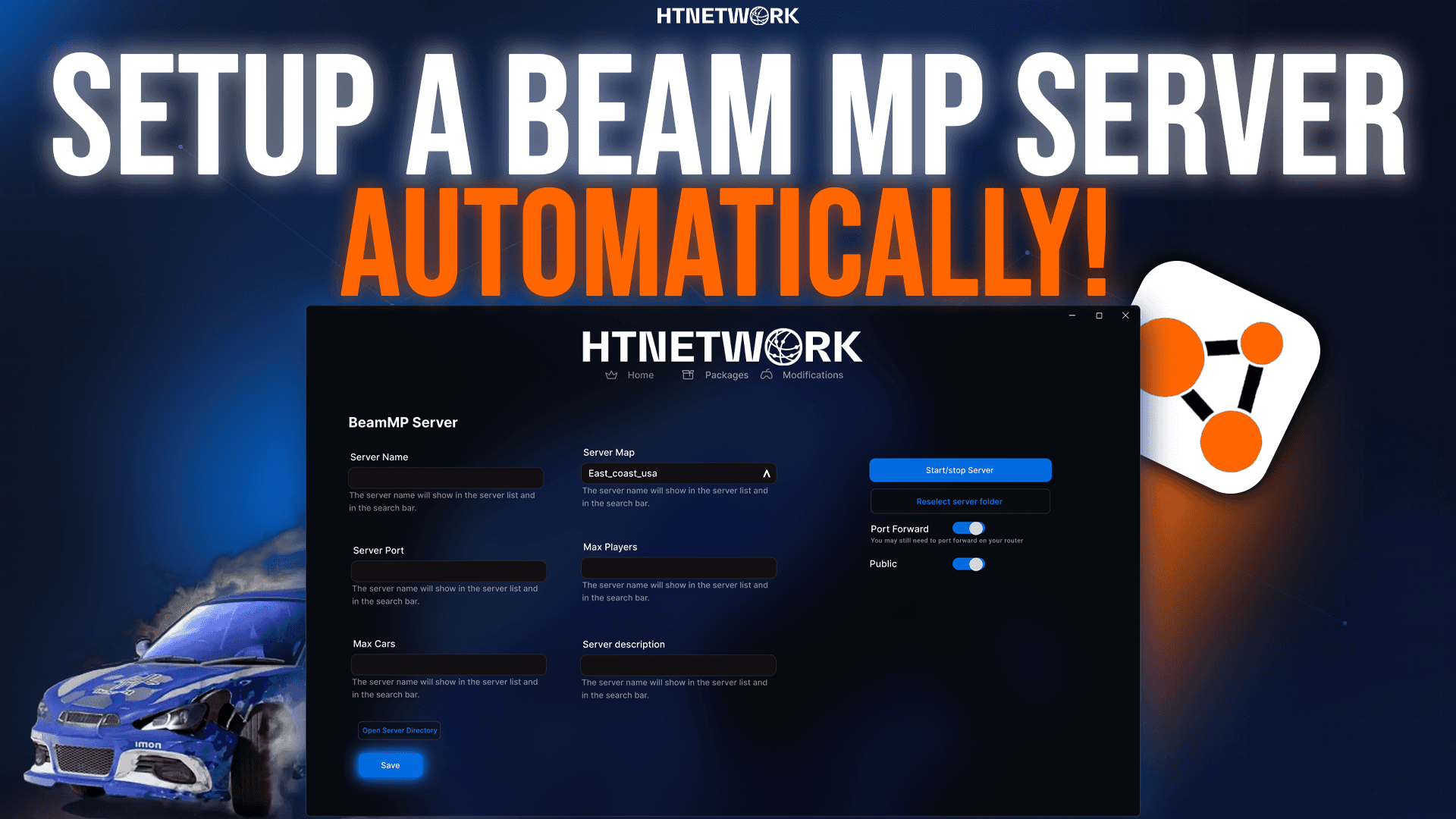
To make this process easier, we created BeamMP Quick Start — a pre-configured server pack that handles the tricky parts for you.
BeamMP Quick Start provides:
- Automatic BeamMP server installation
- Configuration that works out of the box
- Networking defaults that prevent common errors
- A joinable server fast, without deep technical setup
You can view the BeamMP Quick Start package here:
https://htnetwork.one/server-packs/beammp
With BeamMP Quick Start, you don’t have to worry about every individual configuration step and network setting — it’s streamlined for users of all skill levels.
How BeamMP Quick Start Helps
Most BeamMP guides online focus only on downloading files and editing configs — but the server is only usable once players can connect to it. That’s why BeamMP Quick Start is designed to address everything you need for a working multiplayer experience, including:
- The correct BeamMP binaries and dependencies
- A ready-made configuration that avoids common mistakes
- A setup that reduces networking errors and joinability issues
This makes it ideal if you want to stop struggling with setup and start playing a stable BeamMP server quickly.
Getting the Most from Your BeamMP Server
Once your server is running and reachable:
- Share the IP with friends or communities
- Change default maps with the latest BeamNG maps
- Add mods that everyone has installed
- Monitor and keep your server up to date with BeamMP releases
BeamMP Quick Start gets you past the hardest part — the initial setup — so you can focus on the gameplay itself.
BeamMP Quick Start — Summary
If you’re searching for:
- BeamMP server setup
- BeamNG multiplayer hosting
- BeamMP not joinable solutions
- A beginner-friendly BeamMP server solution
BeamMP Quick Start removes the guesswork and gets your server online fast.
🔗 Get BeamMP Quick Start here: https://htnetwork.one/server-packs/beammp