

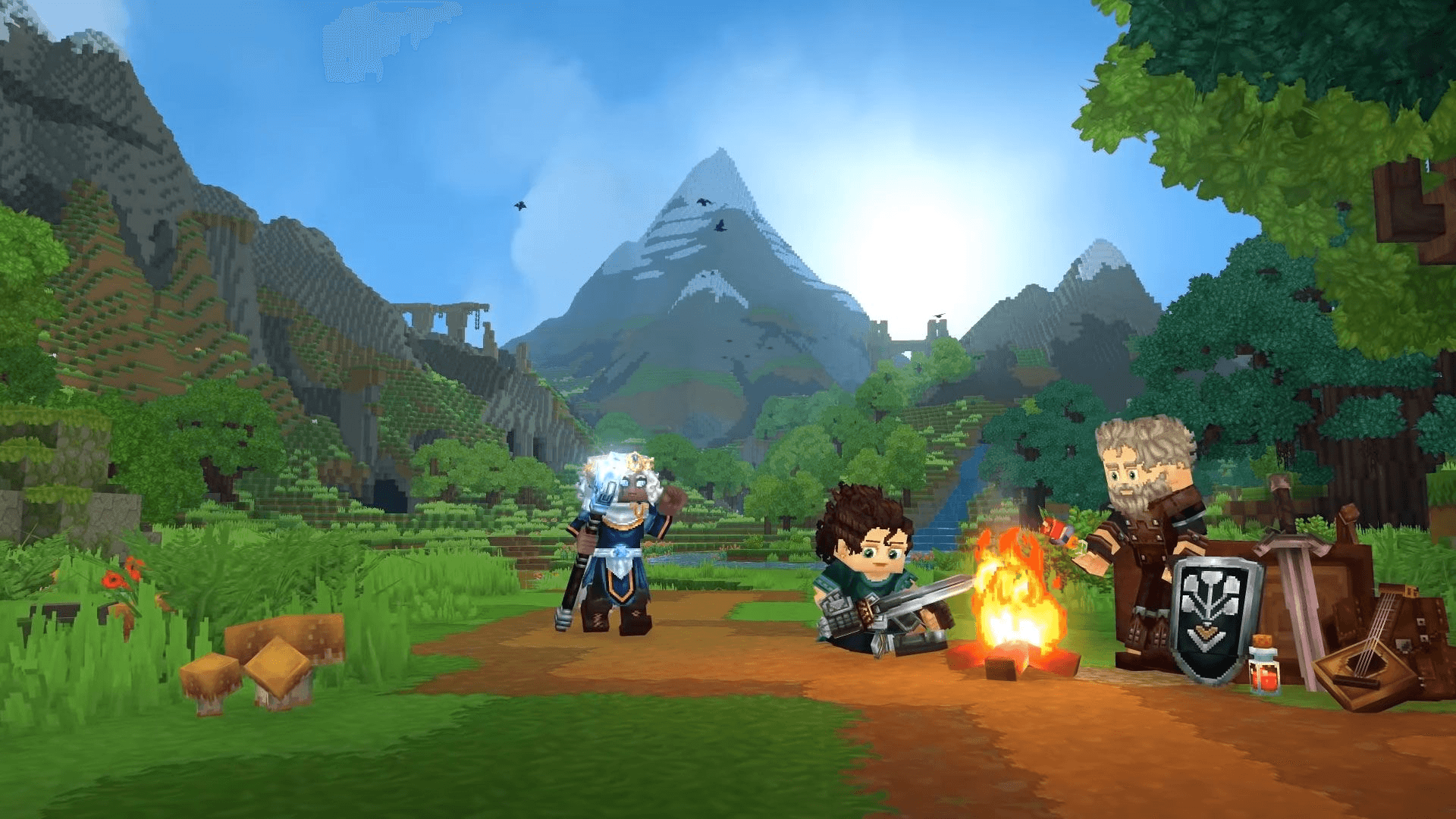
How to Make a Hytale Server
If you’re searching how to make a Hytale server, you’re likely planning to play multiplayer with friends or build a community around Hytale. Running your own server gives you control over worlds, gameplay settings, and future mod support as Hytale evolves.
This guide explains:
- What you need to make a Hytale server
- The easiest way to get started
- How to avoid common setup problems
- The fastest method using managed hosting
What You Need to Make a Hytale Server
To create a Hytale server, you generally need:
- A stable server environment
- Enough resources to handle multiplayer worlds
- A way to keep the server online consistently
- Tools to manage players and settings
While some users look into self-hosting, most players choose hosted solutions to avoid technical complexity and downtime.
The Easiest Way to Make a Hytale Server
The simplest way to make a Hytale server is by using HTN Panel, HTNetwork’s game server control panel, together with a Hytale server from the HTN Panel store.
HTN Panel gives you an easy way to deploy and manage game servers without dealing with unnecessary setup headaches or complicated server management tools.
With HTN Panel, you don’t need to worry about:
- Complicated setup steps
- Manual server deployment
- Confusing management tools
- Keeping everything organised yourself
Everything is designed to be simpler, so you can focus on getting your Hytale server online and ready for players.
👉 Get HTN Panel
https://panel.htnetwork.one
👉 View the Hytale server on the HTN Panel store
https://panel.htnetwork.one/store/hytale
How to Create a Hytale Server with HTN Panel
Creating a Hytale server using HTN Panel is straightforward:
- Download and install HTN Panel.
- Sign in with your HTNetwork account.
- Open the Store inside HTN Panel.
- Select the Hytale server product.
- Deploy your server.
- Configure your basic server settings.
- Share your server details with friends and start playing.
This approach removes the technical barriers that usually stop new server owners from getting started.
Video Tutorial: How to Make a Hytale Server
If you prefer a visual walkthrough, HTNetwork provides a full setup tutorial that shows the process step by step.
🎥 How to Make a Hytale Server – Video Guide
Embedded iFrame
This video is ideal if you want to see exactly how the server creation process works from start to finish.
Why HTN Panel Is Better Than Self-Hosting
Many players consider hosting a server on their own PC, but this often comes with limitations:
- The server goes offline when your PC is off
- Performance issues during peak gameplay
- Network and firewall complications
- Difficulty scaling as more players join
Using HTN Panel makes launching and managing a Hytale server much easier, while avoiding a lot of the common frustration that comes with trying to do everything manually.
Is Making a Hytale Server Beginner-Friendly?
Yes. With the right tools, making a Hytale server does not require deep technical knowledge.
HTN Panel is designed for:
- Beginners launching their first server
- Small private servers for friends
- Growing community servers
You get a balance of simplicity and control without needing to manage everything manually.
Final Thoughts: How to Make a Hytale Server
If you’re looking for how to make a Hytale server, the key is choosing a setup that’s reliable, simple, and future-proof.
Using HTN Panel allows you to:
- Get online quickly
- Avoid technical headaches
- Focus on gameplay and community building
With HTN Panel and the Hytale server store product, creating your own Hytale server is straightforward and accessible — even if you’ve never run a game server before.