How to Access and Manage Your HTNetwork VPS
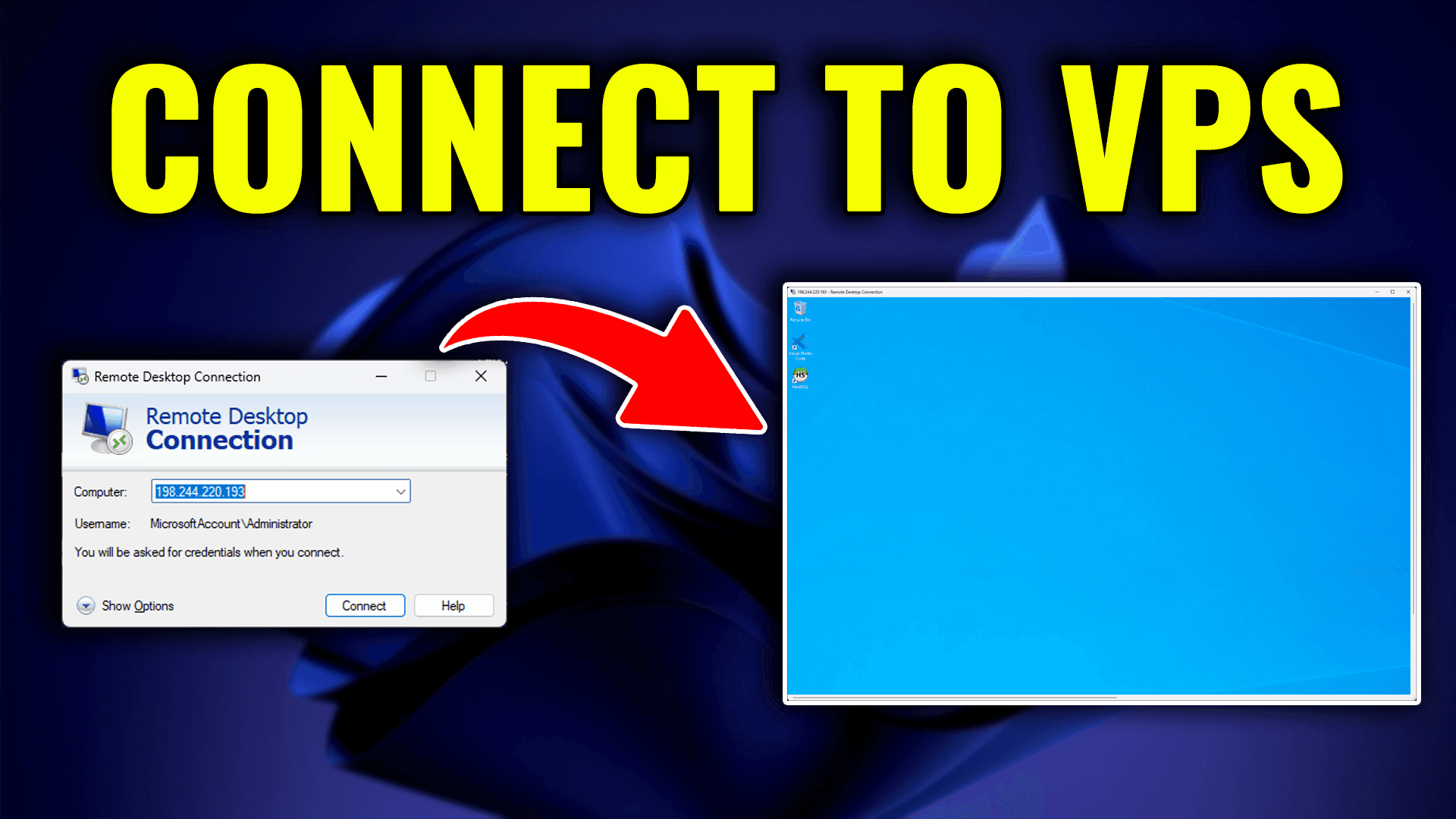
This guide explains how to access your HTNetwork VPS control panel, manage your VPS, view usage statistics, connect using RDP, and use the included tools such as DDoS protection, backups, logs, and settings.
Step 1: Log in to the HTNetwork Client Area
First, open your web browser and go to the HTNetwork website.
Log in to your HTNetwork account using the email address and password linked to your account.
Once logged in, you will be taken to your client area dashboard.
Step 2: Select Your
16 Apr 2026