👥Trusted by 10,000 players✅99.9% uptime🛡️DDoS protection🧩Mods and plugins
CS2 Server Configurator
Build Your CS2 Server
Customize your server configuration and select your preferred plan
Currently Selected
CS2 Server - 10 Players
Max Players
80 Slots
/mo
1080
Server Resources
CPU Cores
1 Core
Memory
1GB DDR5
Storage
10GB NVMe
Bandwidth
Unlimited
Included Features
DDoS Protection
Automated Backups
24/7 Support
One-Click Installation
Custom Control Panel
Unlimited Bandwidth
What is Counter-Strike 2?
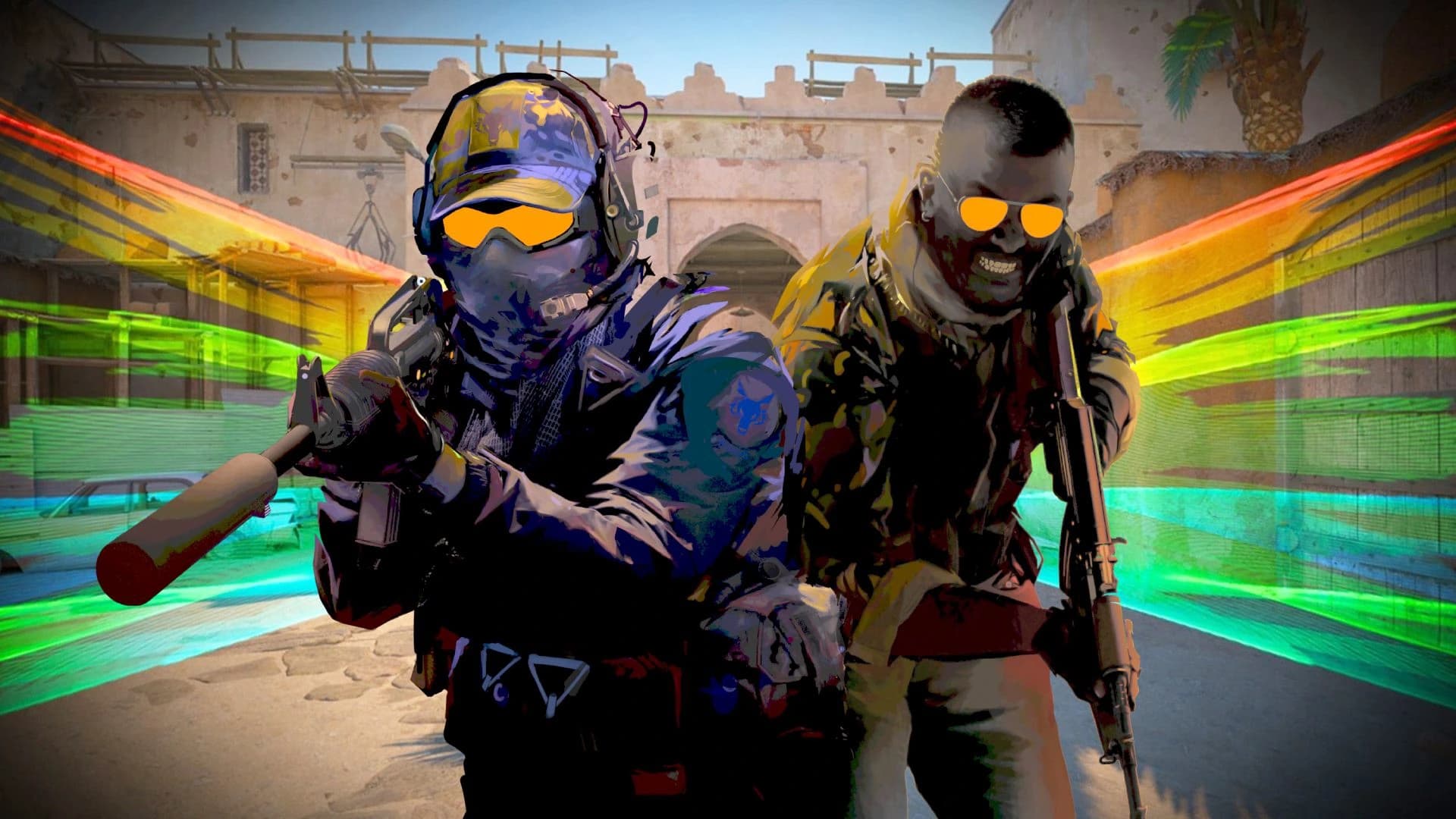
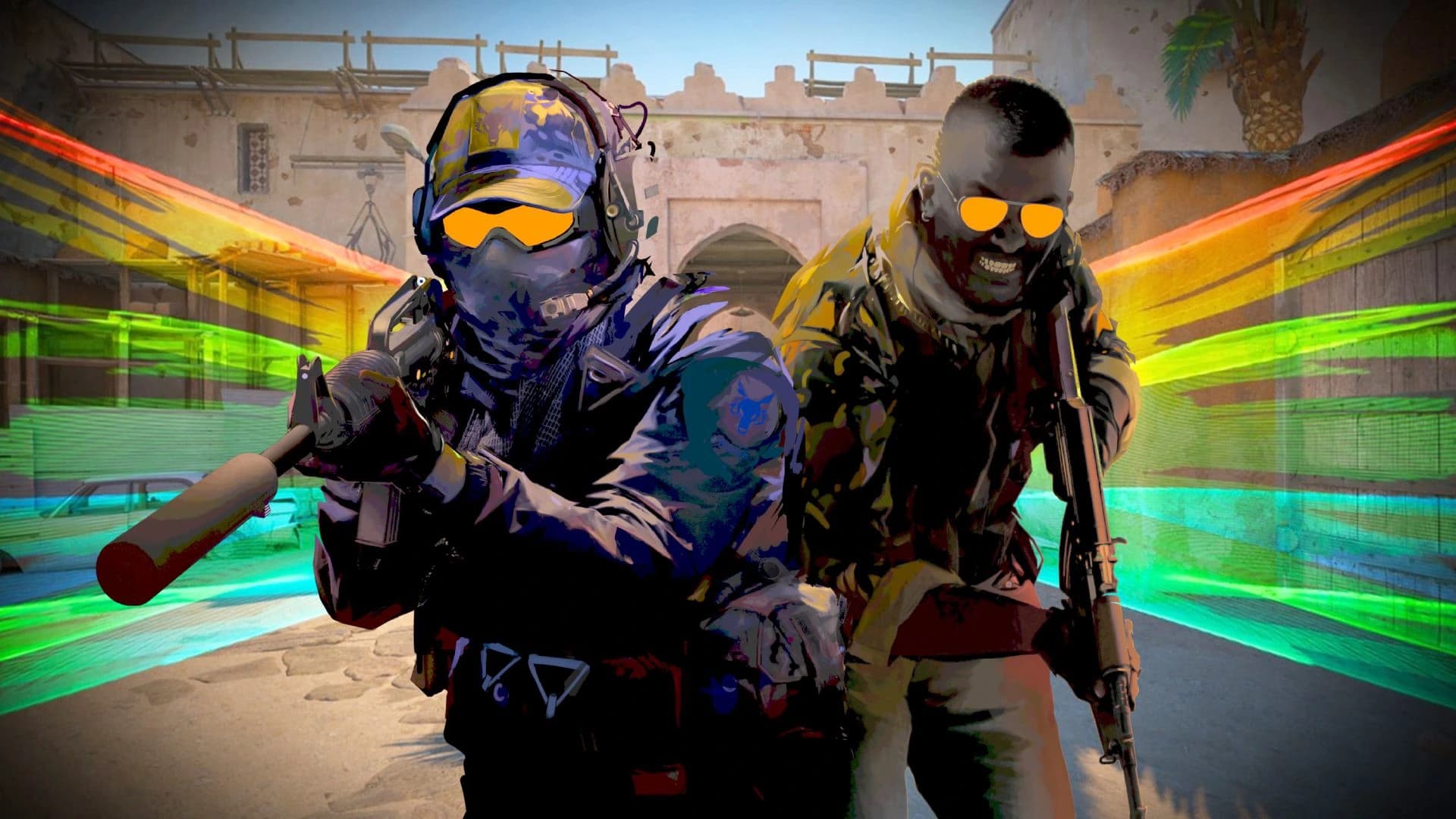
Counter-Strike 2 is a competitive tactical first-person shooter built around precise gunplay, teamwork, strategy, and fast-paced round-based matches. As the next evolution of Counter-Strike, CS2 brings improved visuals, updated maps, responsive smoke grenades, refined movement, and a modernised experience for one of the most iconic FPS games ever made. Players can compete in classic bomb defusal, hostage rescue, deathmatch, private scrims, community servers, and custom game modes with friends or larger communities.
Why Choose HTNetwork for Your CS2 Server Hosting?
With HTNetwork, you get fast setup, automatic updates, and reliable backups for your Counter-Strike 2 server. Our hosting makes it easy to run private matches, practice servers, community games, scrims, or custom CS2 experiences without dealing with the hassle of manual setup. Get your server online quickly, manage everything with ease, and enjoy reliable performance for smooth gameplay, low-latency matches, and competitive sessions with your players.
GLOBAL PRESENCE
Worldwide Server Locations
Choose from multiple data centers around the world to ensure the lowest possible latency for your players.

London, UK
Frankfurt, DE
Virginia, USA
Texas, USA
Los Angeles, USA
Singapore, SG
Sydney, AU
Our Server Locations
London, UK
Frankfurt, DE
Virginia, USA
Texas, USA
Los Angeles, USA
Singapore, SG
Sydney, AU
Frequently Asked Questions
CS2 hosting provides a dedicated server for Counter-Strike 2, delivering low-latency gameplay, easy setup, and support for custom maps, mods, and plugins. Our servers ensure high performance with 24/7 uptime and DDoS protection for competitive or casual matches.
With our one-click installer, your CS2 server is ready in minutes. Choose your plan, select CS2 from our control panel, configure settings like map rotation or player slots, and launch. Detailed setup guides are available in our knowledgebase.
Yes, our servers support a wide range of CS2 mods and plugins, including SourceMod and MetaMod. Easily install them via our control panel or FTP, allowing you to customize gameplay with new modes, skins, or admin tools.
Absolutely! We provide advanced DDoS protection to keep your server online during attacks. Regular backups and secure FTP access ensure your server data, configs, and match history are safe.
Our plans support various player capacities, from small 10-player private servers to 64-player competitive setups. You can adjust slots via the control panel, and our high-performance hardware ensures smooth gameplay even at max capacity.
Yes, you have full control over settings like game mode (Competitive, Casual, Deathmatch), tick rate (64 or 128), map pool, and server rules. Use our intuitive control panel or edit config files directly via FTP.
We offer both 64-tick and 128-tick servers. For casual play, 64-tick is sufficient, but for competitive matches, 128-tick provides smoother gameplay and better hit registration. Select your preferred tick rate during setup.
Our user-friendly control panel lets you manage your server effortlessly. Start, stop, or restart your server, update configs, and monitor performance. You can also use RCON for in-game admin commands.
Yes, you can upload custom maps via our control panel or FTP. Add them to your map cycle in the server config file to include community favorites like aim_course or fy_ maps alongside official Valve maps.
Our servers use high-performance CPUs and low-latency networks to minimize lag. If issues arise, check your player count or mod load, and contact our 24/7 support team. You can upgrade your plan for more resources if needed.
Share your server’s IP and port (e.g., 192.168.1.1:27015) with friends. For private servers, set a password in the server config or control panel. Players can join via the CS2 server browser or by entering “connect IP:port” in the console.
Yes, our support team is available via live chat or ticket with an average response time of 15 minutes. Our knowledgebase also includes guides for setup, mod installation, and troubleshooting common issues.