
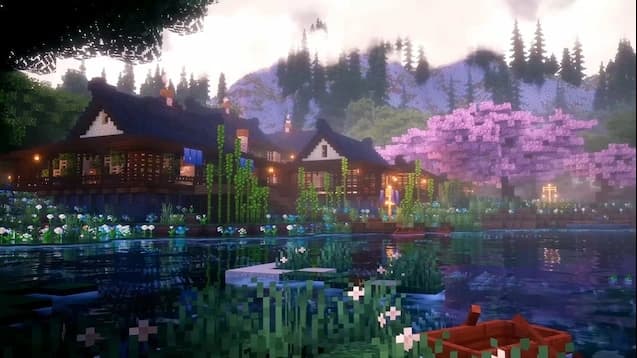
Minecraft Server Hosting
Minecraft server hosting that is online in minutes. Choose Vanilla, Paper, Fabric, Forge and more, with 99.9% uptime, DDoS protection and locations in London, Texas and Sydney.
Minecraft Server Configurator
Build Your Minecraft Server
Customize your server configuration and select your preferred plan
Currently Selected
Minecraft Server - 10 Players
Max Players
200 Slots
/mo
Server Resources
Included Features
What is Minecraft?
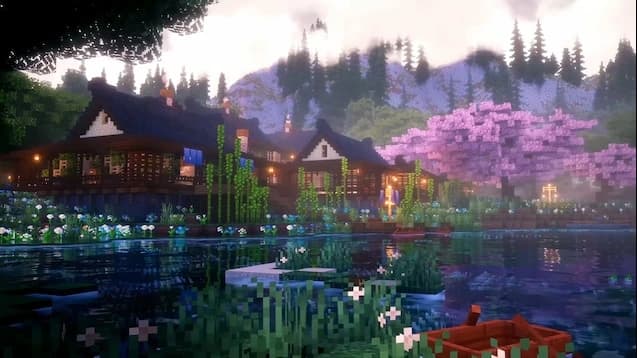
Minecraft is a sandbox survival and building game where players can explore endless worlds, gather resources, craft items, fight mobs, and build almost anything they can imagine. From simple survival worlds to massive cities, minigames, roleplay servers, modded adventures, and creative communities, Minecraft gives players complete freedom to shape their own experience. Whether you are playing casually with friends or building a large multiplayer server, Minecraft remains one of the most flexible and popular games for online communities.
Why Choose HTNetwork for Your Minecraft Server Hosting?
With HTNetwork, you get instant setup, automatic updates, and reliable backups for your Minecraft server. Our hosting makes it easy to create a smooth and stable multiplayer experience, whether you are running a private survival world, a modded server, a minigame network, or a growing Minecraft community. Get your server online quickly, manage everything with ease, and enjoy reliable performance for building, exploring, PvP, roleplay, and custom gameplay with your players.
Choose your server type when you order: Vanilla for the pure game, Paper for fast plugin servers with Bukkit and Spigot support, Fabric or Forge for modded Minecraft, Sponge, or a BungeeCord or Waterfall proxy to link several servers into one network. Every plan runs on DDR5 RAM and NVMe storage with DDoS protection included, from 10-slot servers for friends to 200-slot community servers.
Building something bigger? Our Game VPS hosting gives you a whole Windows server for large networks. You can also browse all our game server hosting, including Hytale server hosting.
Worldwide Server Locations
Choose from multiple data centers around the world to ensure the lowest possible latency for your players.
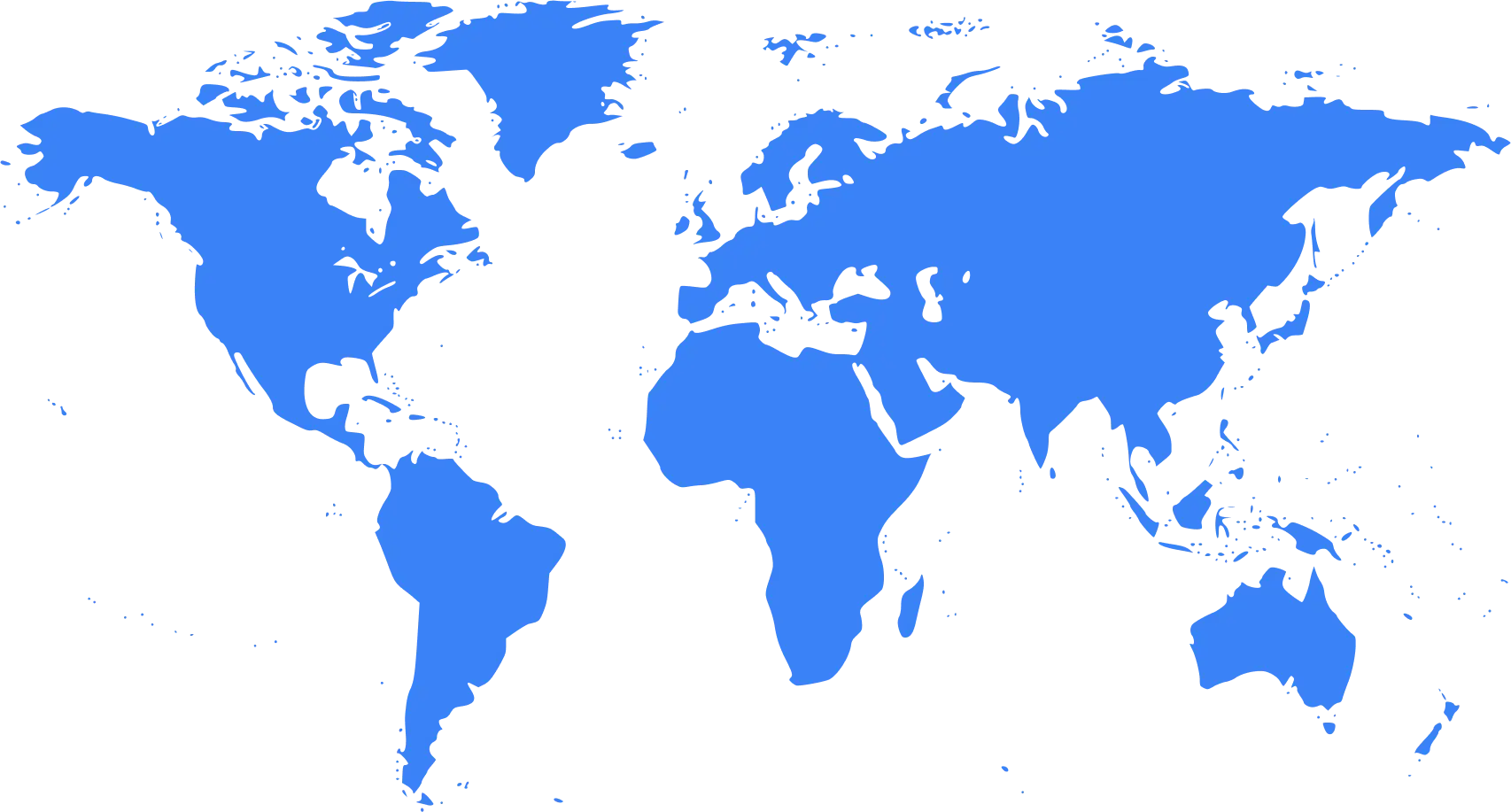
Our Server Locations


