
HTNetwork Knowledgebase
Find answers to common questions, guides, and documentation for all HTNetwork services and products.
All Articles

How to Install XAMPP and Start MySQL + Apache for a FiveM Server
If you are setting up a FiveM server, or installing a resource that needs a database and web server, one of the easiest ways to get started is with XAMPP. XAMPP is a simple all-in-one package that lets you run Apache and MySQL on your own PC without needing to set everything up manually. For many FiveM scripts, MDTs, CADs, and other web-based resources, this can be a quick way to get the required services running. In this guide, we will show you how to install XAMPP, start Apache and MySQL, an

HTN Panel: Local Game Server Control Panel
If you are searching for HTN Panel, you are probably looking for a better way to host and manage game servers without relying on traditional game hosting. HTN Panel is a local game server control panel built to make self-hosting easier. Instead of renting a standard hosted game server and dealing with the limits that come with it, HTN Panel lets you run and manage game servers on your own PC with a cleaner, simpler experience. Whether you want more control, lower ongoing costs, or an easier wa

How to Setup Game Proxy DDoS Protection for Your FiveM Server
Protecting your FiveM server from DDoS attacks is essential if you want stable uptime, smooth gameplay, and no interruptions for your players. With our new Game Proxy DDoS Protection, you can hide your real server IP and route traffic securely through our protected proxy network. This guide walks you through the full setup process. 🚀 Step 1: Configure Your Game Proxy Before editing anything in your FiveM files, you need to configure your Game Proxy inside the dashboard first. 1. Log in t
How to Install a Car Mod into a FiveM Server
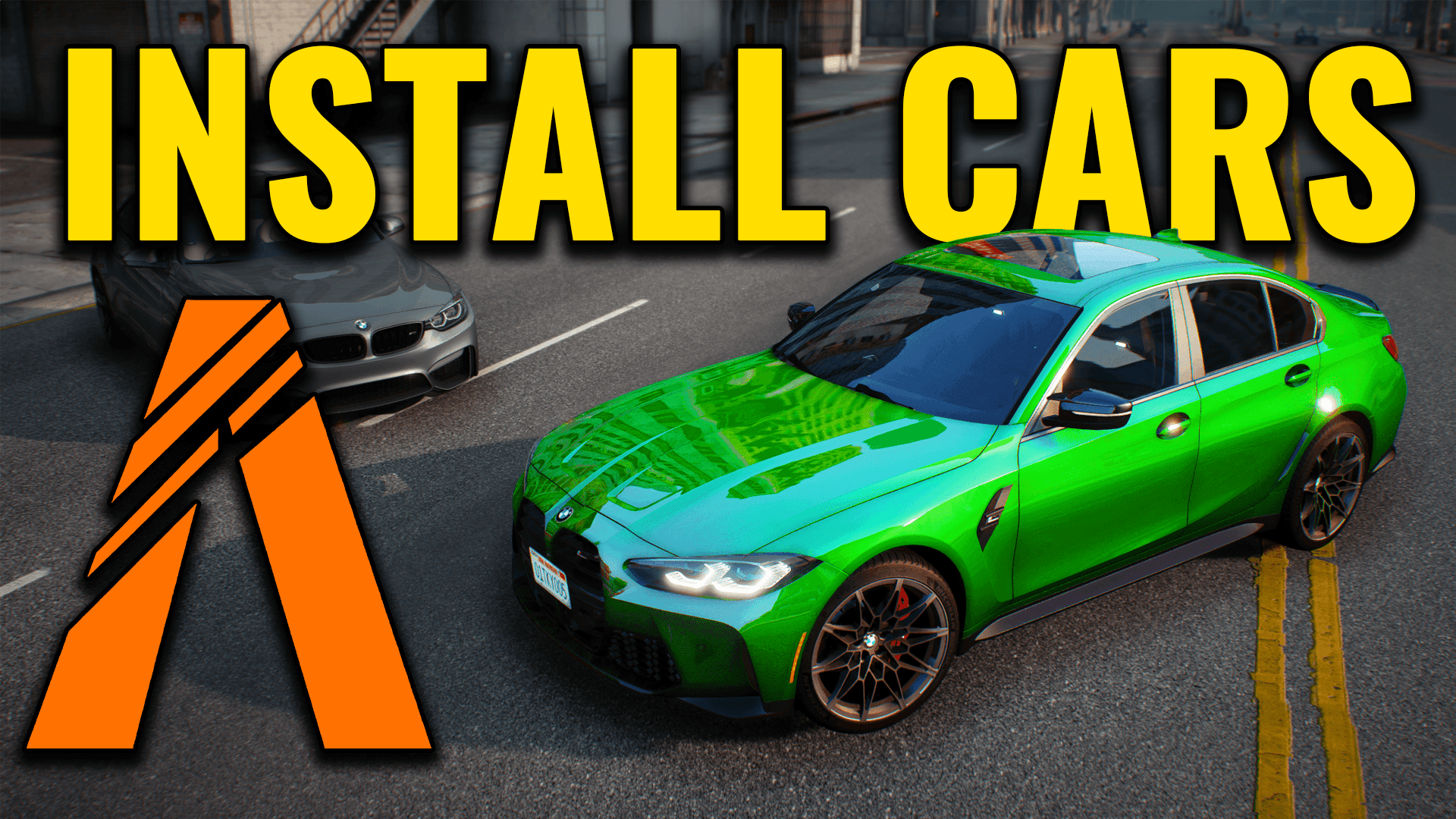
Adding custom cars is one of the easiest ways to make your FiveM server feel more unique. Whether you run a vMenu, QBCore, or a custom framework server, installing a car mod is usually quick once you understand the basic file structure. This guide covers the normal process for installing a FiveM add-on car, getting it started correctly, and avoiding common issues like missing textures, broken handling, or cars not spawning. If you prefer to follow along visually, you can also watch the video g
How to Install Mods on a Hytale Server
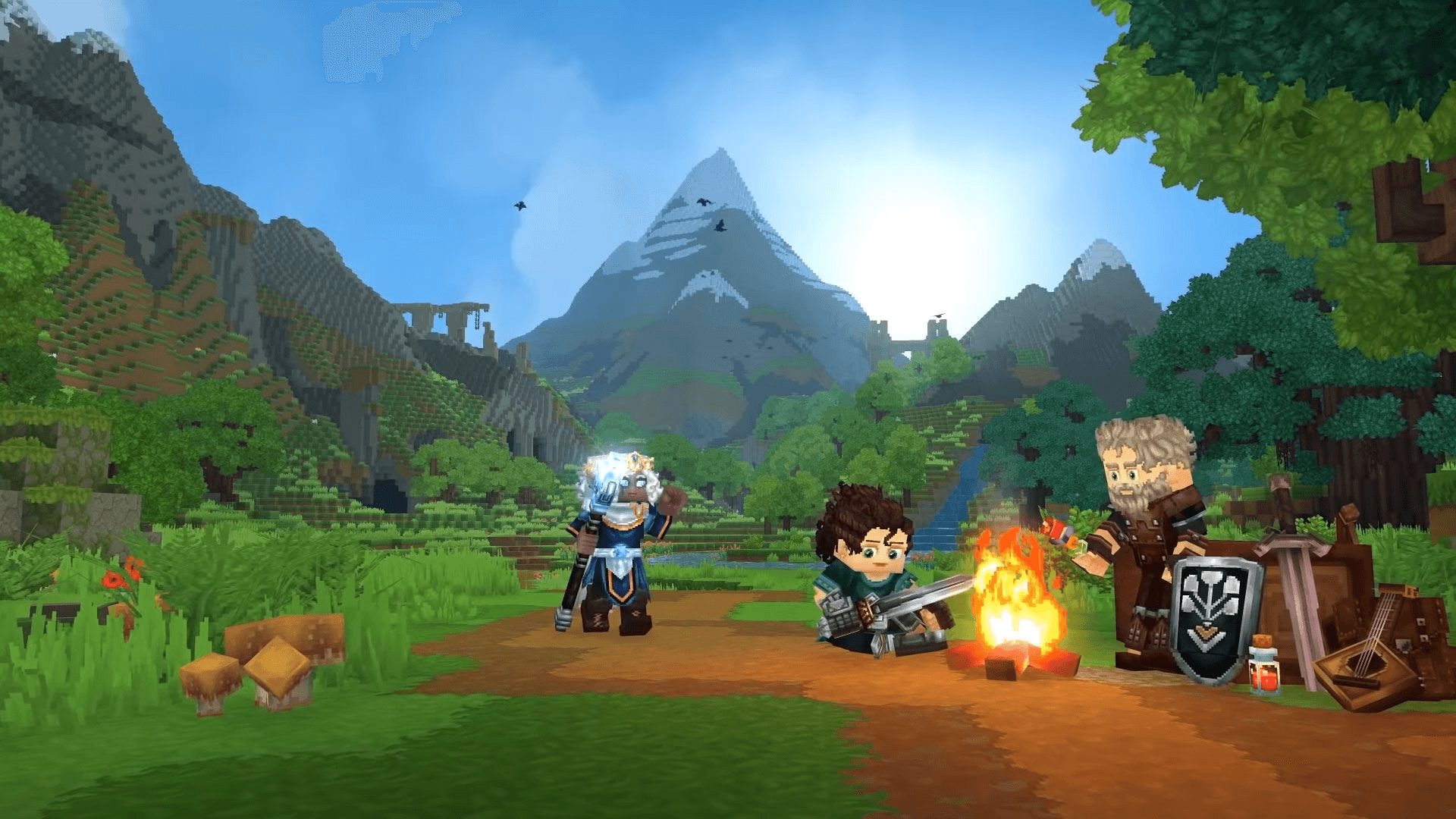
Mods are one of the most exciting parts of Hytale. They can completely change the experience, from new gameplay mechanics and custom blocks to RPG systems, quality-of-life improvements, and more. If you want to install mods on your Hytale server, the general process is straightforward once you understand how server files, mod folders, and dependencies work. This guide explains the usual process of installing mods on a Hytale server, so you know what to expect as the Hytale modding ecosystem co

What Is a BeamMP Server?
A BeamMP server is what makes multiplayer possible in BeamNG.drive. On its own, BeamNG.drive is mainly a single-player driving and crash simulation game. BeamMP adds online multiplayer, letting you drive, crash, race, cruise, and play with other people in real time. In simple terms, a BeamMP server is the system that connects players together and keeps the session running. What Does a BeamMP Server Do? A BeamMP server handles the core parts of multiplayer, including: * Player connections

What Is Needed to Run FiveM Smoothly?
To run FiveM smoothly, you need a legal copy of GTA V, decent hardware, enough RAM, and the game installed on an SSD. FiveM is often more demanding than normal GTA V because many servers use custom cars, scripts, maps, MLOs, and other modded content. For most players, a good target is: * CPU: Intel i5 or Ryzen 5 or better * RAM: 16GB * GPU: GTX 1060 / RX 580 or better * Storage: SSD with at least 60GB free * Internet: Stable connection with low ping Recommended PC Specs for Smooth FiveM

How Much RAM Do You Need to Host a FiveM Server?
The amount of RAM your FiveM server needs depends on how many players you expect, which framework you use, and how heavily modded your server is. Here’s the quick answer: * 2GB–4GB for basic test or development servers * 4GB–8GB for most small to medium FiveM servers * 8GB–16GB+ for heavily modded servers or larger player counts RAM is important, but it is not the only thing that affects performance. Your CPU, scripts, assets, and player count also matter. Quick RAM Guide for FiveM Serve
How to Change the Map on Your BeamMP Server
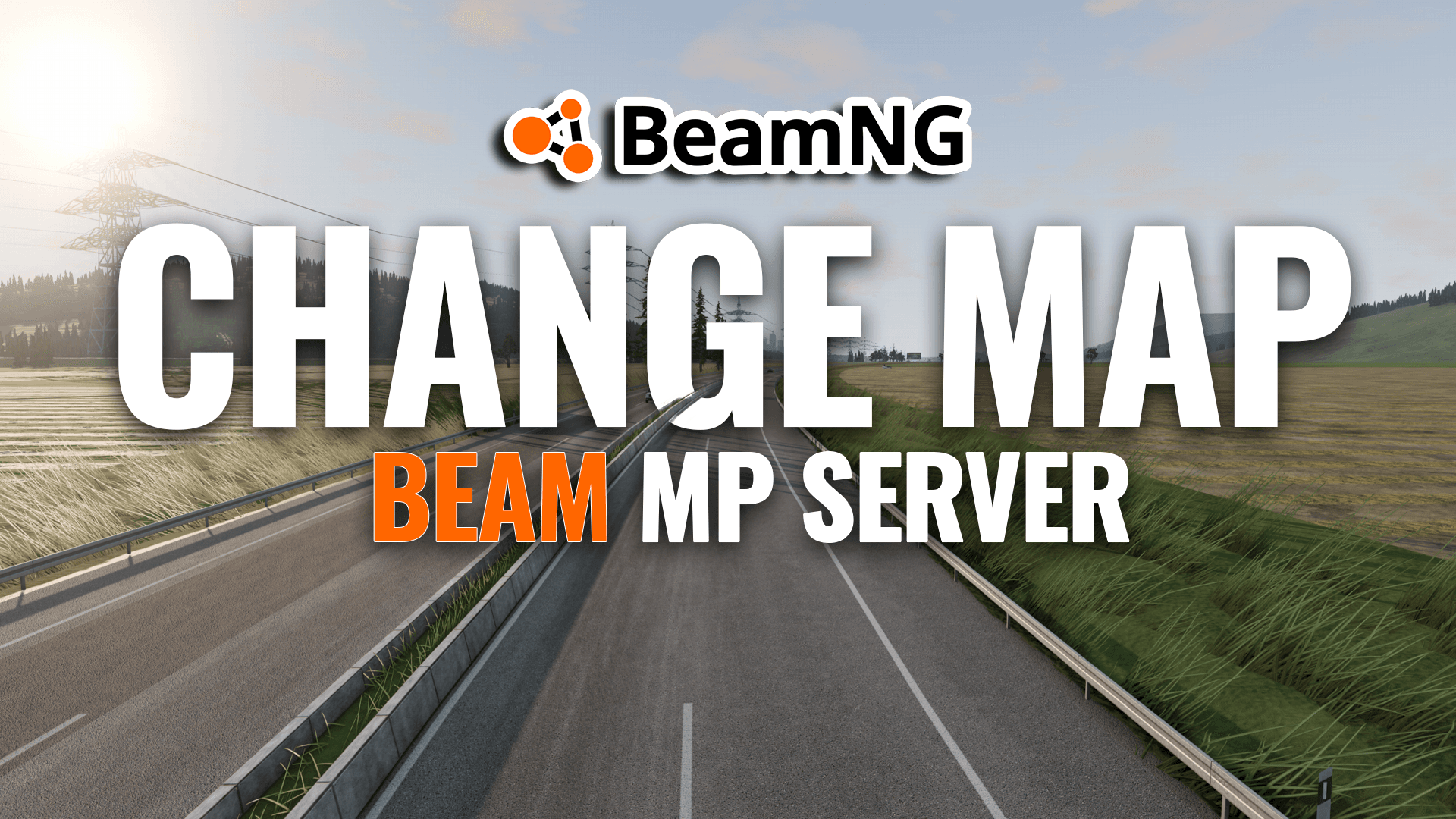
Changing the map on your BeamMP server is simple once you know where the map file needs to go and how to set the correct map path in your server config. This guide covers how to switch your BeamMP server to a different map, including custom modded maps. Before You Start Before changing your map, make sure: * the map is installed on your server * the map is installed on the client side for anyone joining, if required * you know the correct map path If the map is a custom modded map, it m

How to Port Forward a FiveM™ Server
If you are hosting a FiveM™ server from your own PC or home network, you will usually need to port forward port 30120 so players outside your network can connect. For FiveM, the main port you need is: * 30120 TCP * 30120 UDP This guide walks you through opening the port in Windows Firewall, forwarding it on your router, and checking that it works properly. Step 1: Allow Port 30120 Through Windows Firewall Before touching your router, make sure Windows is not blocking the connection. Cr

How to Update FiveM™ Server Artifacts
How to Update FiveM™ Server Artifacts Keeping your FiveM™ server artifacts up to date is important for stability, compatibility, and access to the latest improvements. If your server is running older artifacts, you may run into warnings, bugs, or issues with newer resources and clients. This guide covers: * What FiveM™ server artifacts are * How to update them manually * An easier way to manage your server updates * Why keeping artifacts updated matters What Are FiveM™ Server Artifacts?
How to Make a Hytale Server (Step-by-Step Guide)
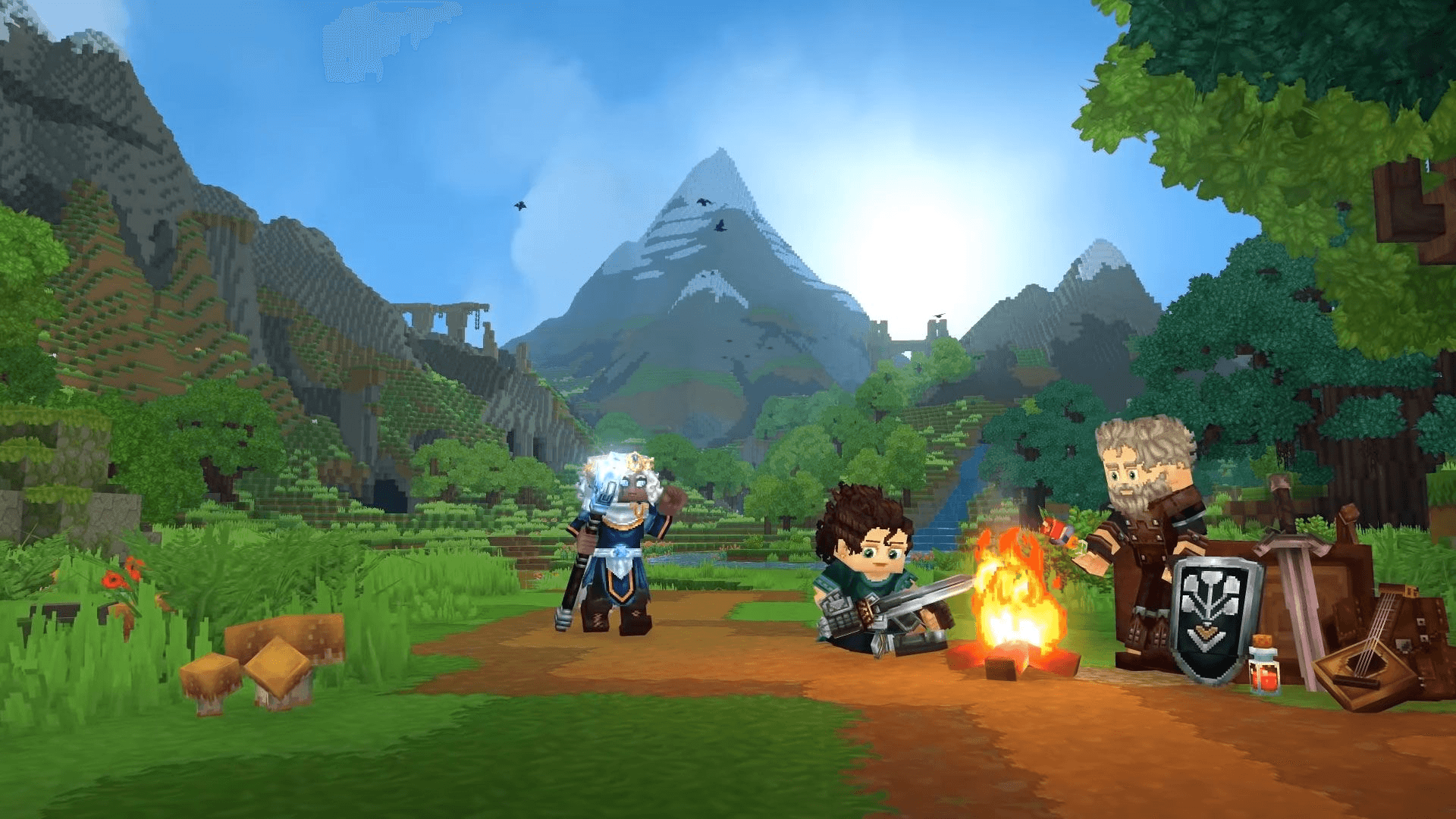
How to Make a Hytale Server If you’re searching how to make a Hytale server, you’re likely planning to play multiplayer with friends or build a community around Hytale. Running your own server gives you control over worlds, gameplay settings, and future mod support as Hytale evolves. This guide explains: * What you need to make a Hytale server * The easiest way to get started * How to avoid common setup problems * The fastest method using managed hosting What You Need to Make a Hytale S
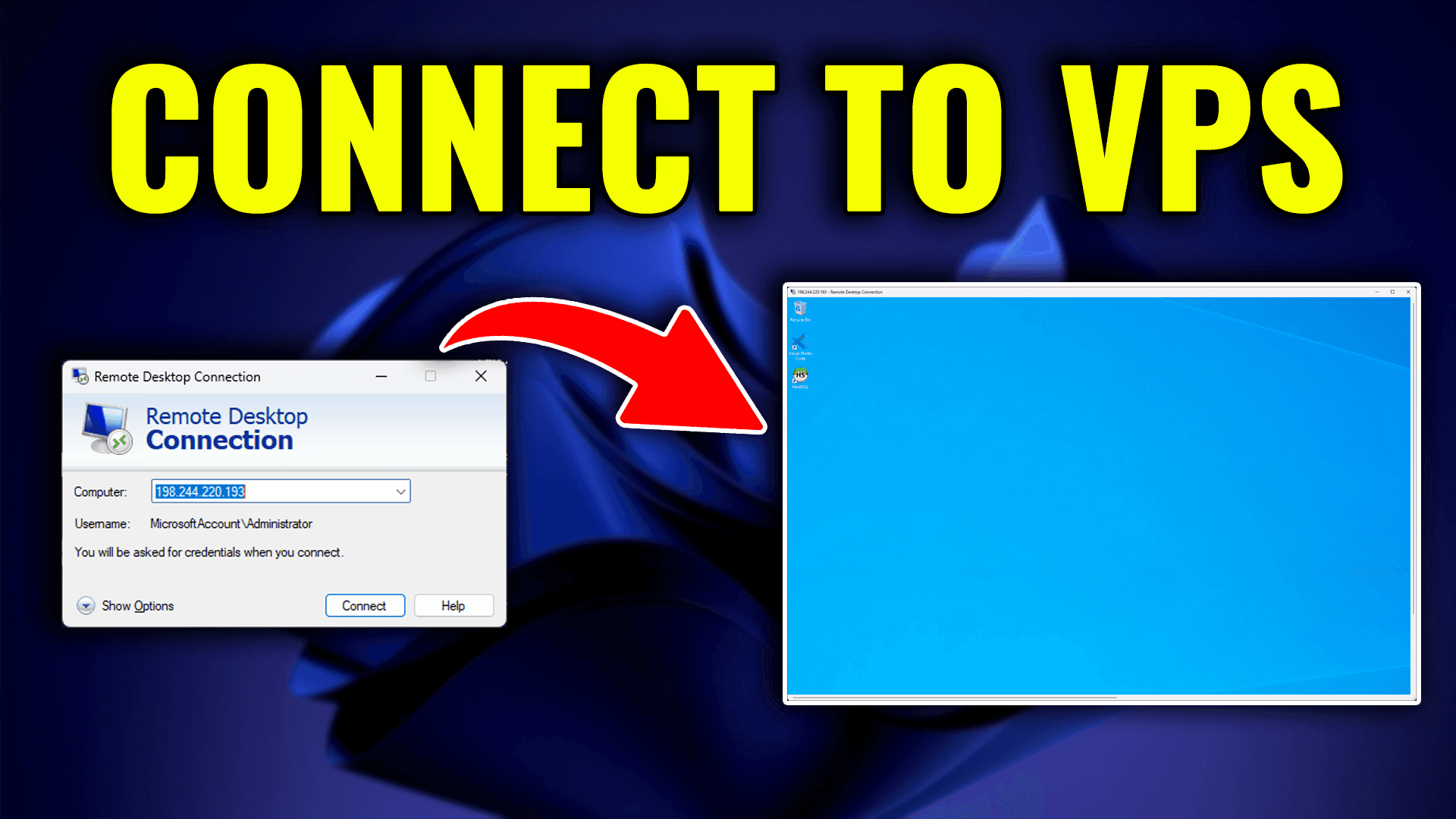
How to Log In to Your VPS via Remote Desktop Connection
Step 1: Log In to Your HTNetwork Account 1. Open your web browser and go to HTNetwork's website. 2. Click the Login button located at the top-right corner of the homepage. 3. Enter your email address and password linked to your HTNetwork account. 4. Press Login to access your account dashboard. Step 2: Access Your VPS in the HTNetwork Client Area 1. After logging in, click My Products & Services from the dashboard or navigation menu. 2. Find the VPS service you want to access. 3. Clic

How to Set Up a BeamMP™ Server
Hosting a BeamMP™ server allows you to enjoy multiplayer sessions in BeamNG.drive with friends or the community. Whether you're using a local Windows PC or a Windows VPS, this guide will walk you through the setup process, including obtaining and configuring your AuthKey. Step 1: Obtain Your BeamMP™ AuthKey 1. Visit the BeamMP™ Keymaster and log in with your Discord account. 2. Click the "Keys" tab on the left-hand side. 3. Click the "+" button to create a new key. 4. Fill out the server
How to Install Map Mods ( MLO ) Into a FiveM Server
Custom map mods — also known as MLOs — are one of the easiest ways to make your FiveM server stand out. Whether you’re building a FiveM RP server or a menu server, MLOs add depth, realism, and custom interiors that keep players coming back. If you’ve ever wanted to know how to: * Install custom MLOs into your FiveM server * Add new buildings and interiors to your FiveM server * Fix common map mod errors like invisible walls or missing textures Then this short video tutorial is for you. Th

How to Install BeamMP – Step-by-Step Guide
Want to play BeamNG.drive with friends? You’ll need BeamMP, the multiplayer mod that adds real-time online play to BeamNG. Installing it is quick and easy — here’s how to do it in just a few minutes. ✅ What You Need Before Installing BeamMP * A legal copy of BeamNG.drive (Steam only) * A working Windows PC * Internet connection * BeamMP installer (from the official website) 🛠️ How to Install BeamMP (Step-by-Step) 1. Download the BeamMP Launcher 👉 Go to the official site: https:/

🗺️ BeamNG Map Codes List (2025 Update)
Looking for the latest BeamNG map spawn codes? Whether you’re switching maps in BeamNG Drive, creating your own scenario, or configuring a BeamMP multiplayer server, this updated list covers every official BeamNG map and its correct code. You can use these codes to load maps manually, set default server maps, or fix spawn issues when BeamNG doesn’t load the correct level. 🌍 Official BeamNG Drive Maps (2025) Map Name Map Code / Path Gridmap V2 levels/gridmap_v2/info.json Italy lev